Add-on Store
Add more to Ledge
Browse add-ons inside Ledge, install one with a click, and keep them up to date.
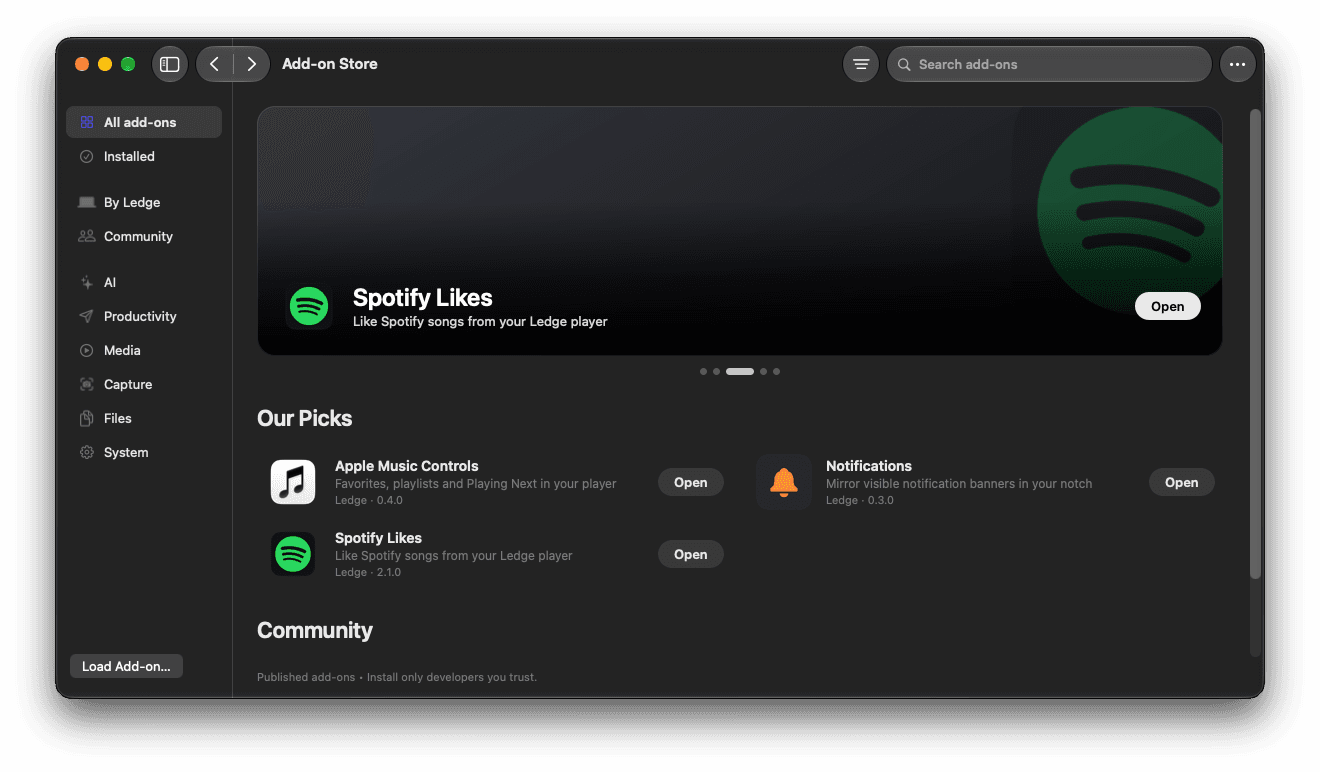
Built into Ledge for macOS.
See before you install
Each add-on shows screenshots, a motion demo and what it can do.
You stay in charge
Ledge shows who made it and asks you to trust it. Turn any add-on off, or remove it.
Build your own
Describe what to show in Swift with LedgeKit, and Ledge draws it for you.
More in Ledge
Every feature- The notchRest the pointer on the notch and it opens. It closes once the pointer leaves, with a light tap on a Force Touch trackpad as it opens.
- Now playingThe song in the notch, the cover on one side of the camera and its wave on the other. Open the full player for the progress, volume, lyrics and your speakers, or swipe to change songs.
- Live ActivitiesBattery, AirPods, downloads, Focus, Wi-Fi and more slide out beside the camera, then step aside. Turn on only the ones you want.
- Volume and brightnessThe macOS pop-ups, replaced: volume, brightness and keyboard brightness open beside the notch, or as a card below it.