 Ledge for Mac
Features
Everything Ledge does, from the shelf in the notch to 3 add-ons from its Store, right at the top of your Mac.
Built into Ledge
The notch
Rest the pointer on the notch and it opens. It closes once the pointer leaves, with a light tap on a Force Touch trackpad as it opens.
How it works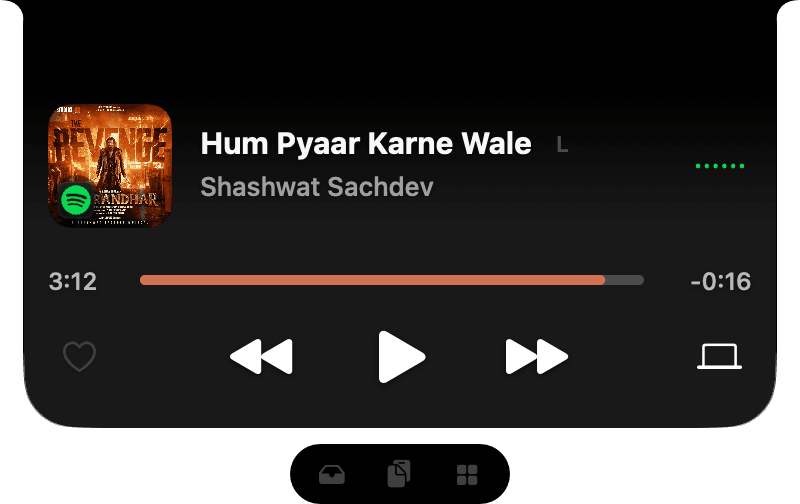
Now playing
The song in the notch, the cover on one side of the camera and its wave on the other. Open the full player for the progress, volume, lyrics and your speakers, or swipe to change songs.
How it works

Live Activities
Battery, AirPods, downloads, Focus, Wi-Fi and more slide out beside the camera, then step aside. Turn on only the ones you want.
How it worksVolume and brightness
The macOS pop-ups, replaced: volume, brightness and keyboard brightness open beside the notch, or as a card below it.
How it works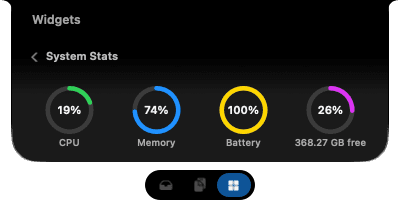
System Stats
CPU, memory, battery and free disk space as rings in the open notch.
How it works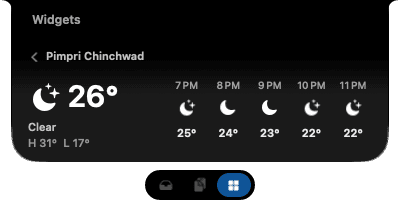
Weather
The conditions where you are, with today's high and low and the next few hours.
How it works
Clipboard history
Everything you copy, searchable and pinnable. Sort it into collections and paste straight back into the app you're in.
How it worksThe shelf
Drag files to the top of the screen and they wait there until you drag them out where you need them. Pin the ones you want to keep.
How it works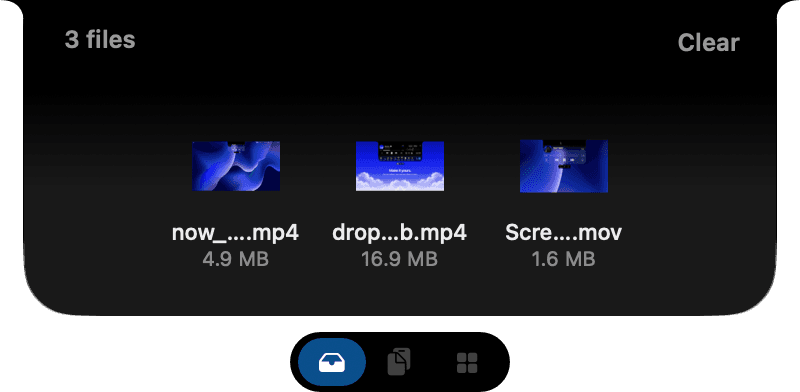
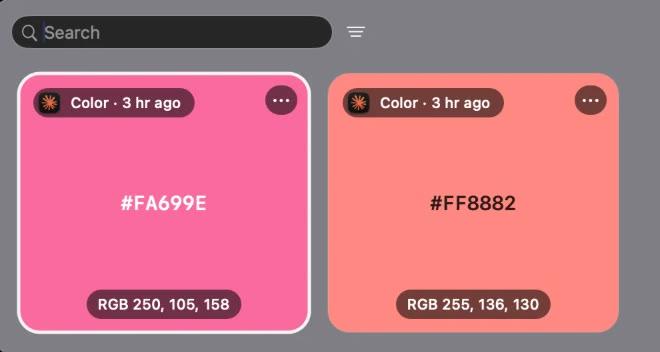
Smart previews
A colour copied as text shows as a swatch, and copied code shows in colour with its language named.
How it works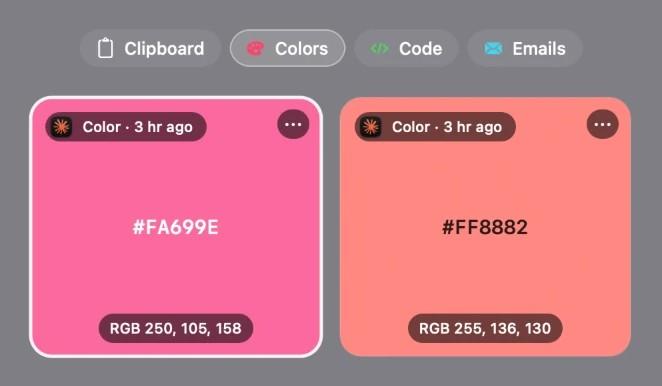
Smart pinboards
Tabs beside Clipboard that gather every colour, link, image, file, piece of code or email address on their own.
How it works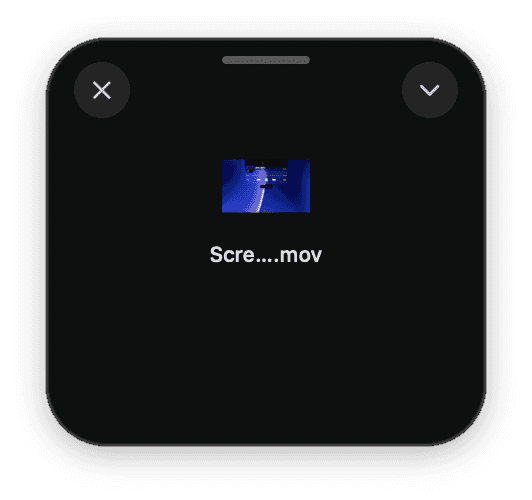
Floating shelf
A shelf that comes to the pointer instead, and tucks itself away a few seconds after you leave it.
How it works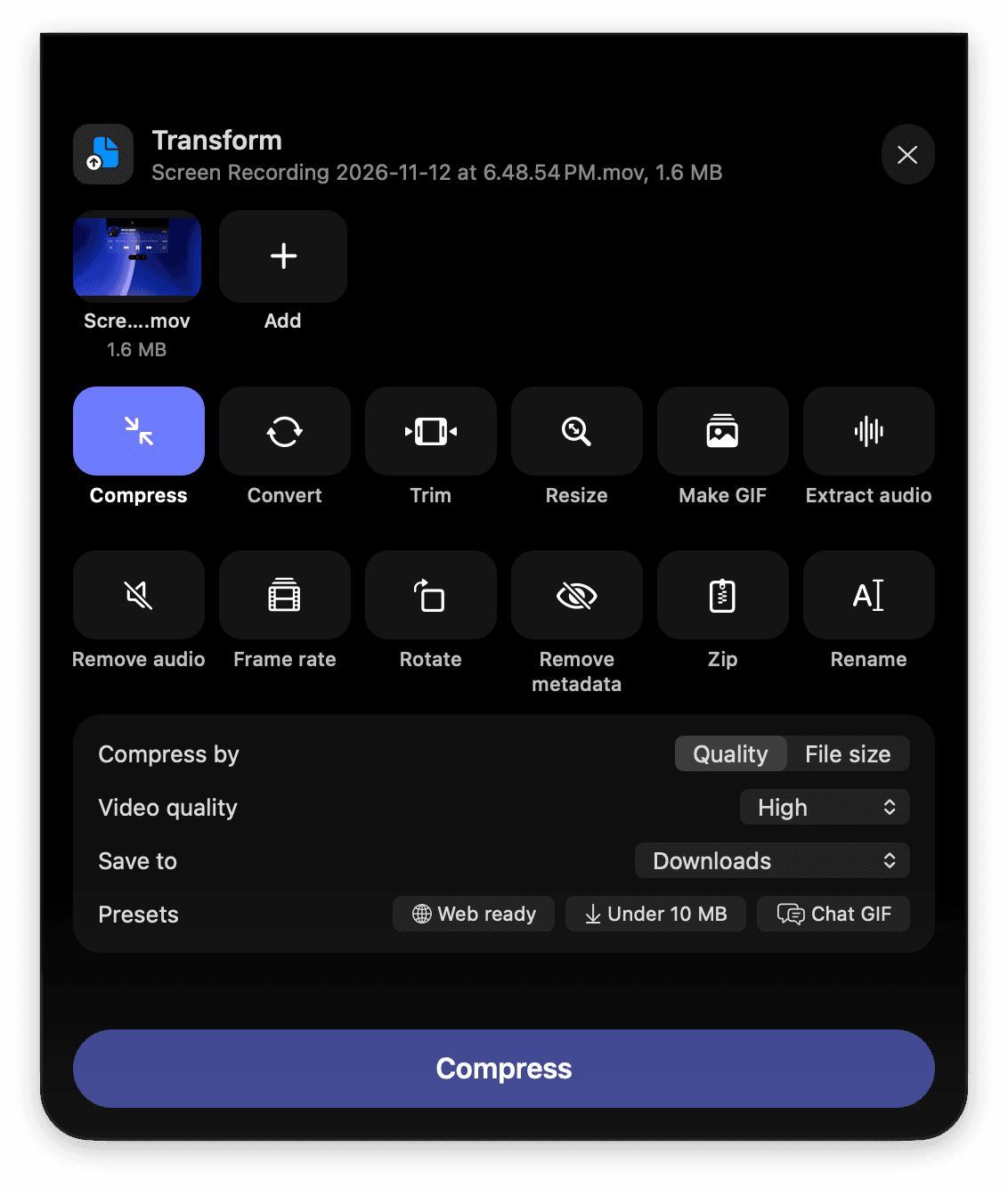
Transform
Drop files on Transform, pick a tool and press the button: compress, convert and edit, all on this Mac, never uploaded.
How it worksLock screen
The song in Liquid Glass under the clock. Click its cover and the artwork fills the whole screen, with the controls, volume and lyrics a click away.
How it worksMotion artwork
With Apple Music, a song's animated cover plays in the notch's player and the floating player, muted and looping.
How it works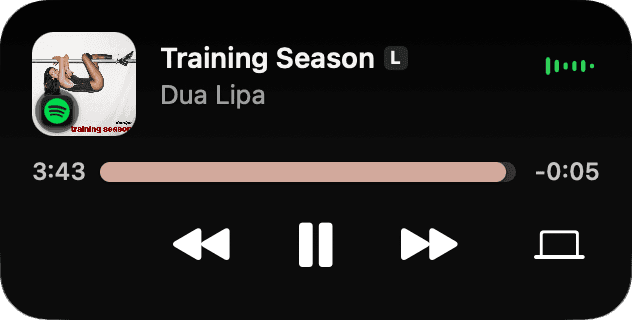
Floating player
The song in a player you can drag anywhere on the desktop, in three sizes, in Liquid Glass.
How it works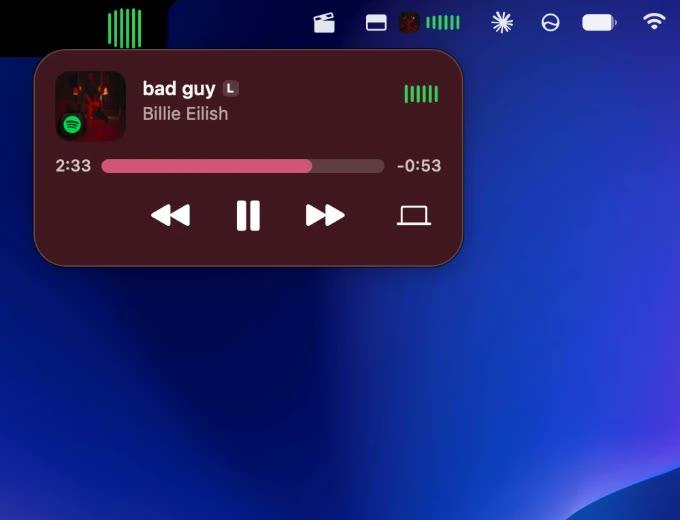
Menu bar player
The song in the menu bar too, with its own player a click away.
How it works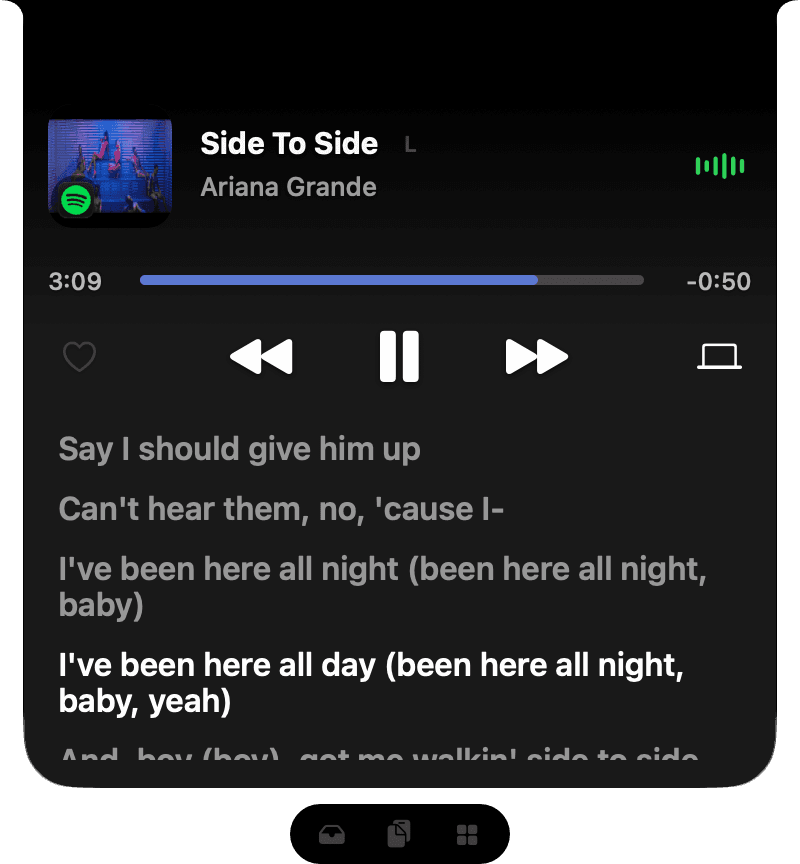
Lyrics
Timed lyrics follow the song in the player and on the lock screen, the sung line bright.
How it works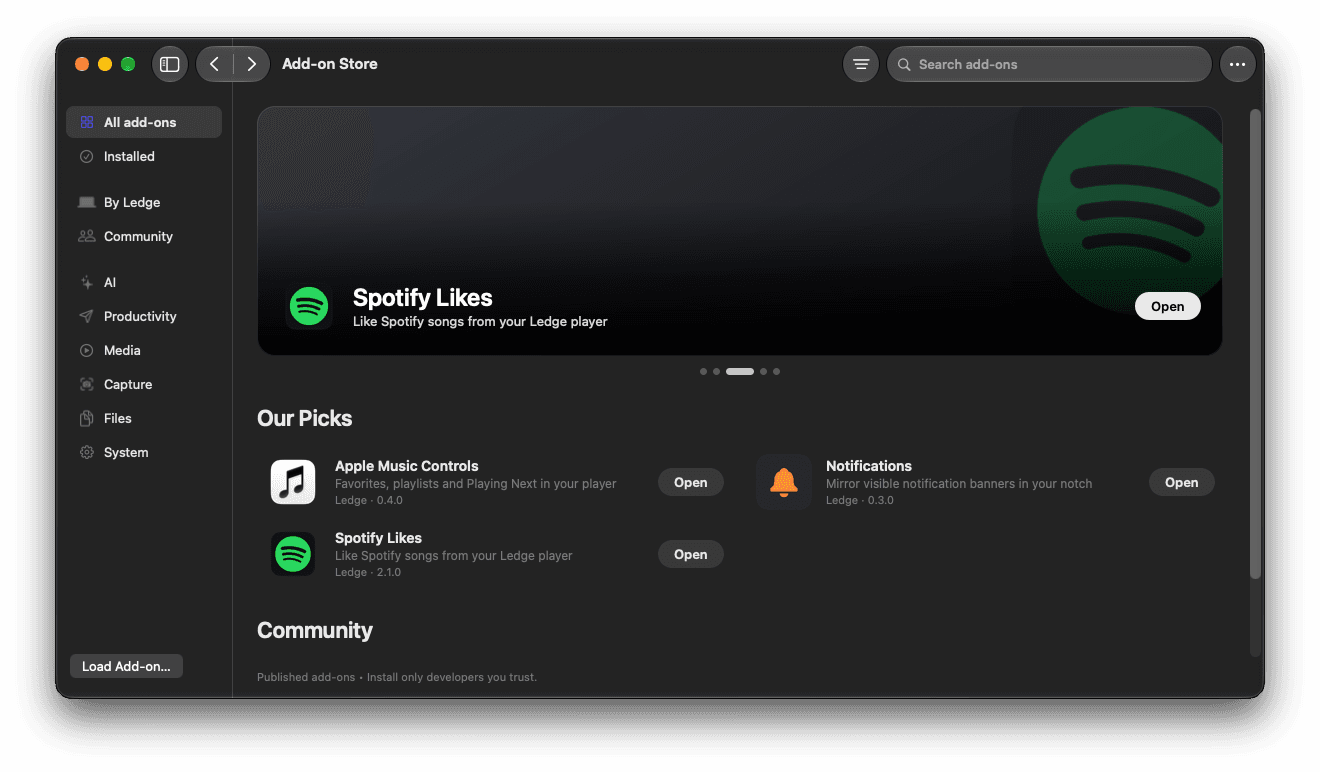
Add-on Store
Browse add-ons inside Ledge, install them with a click, and keep them up to date.
How it works
Add-ons
Extras from the Add-on Store inside Ledge. Install one with a click and it shows up in the player, the notch or on the lock screen.
 Music · 0.4.0
Apple Music Controls
Favourite the playing song, add it to a playlist, and see Apple Music's real Playing Next, in the player and on the lock screen.
Get it in the Store Music · 2.1.0
Spotify Likes
Like the Spotify song that's playing, straight from Ledge's player.
Get it in the Store System · 0.3.0
Notifications
The notification banners you can see, mirrored in an open notch card. Long messages wrap and scroll.
Get it in the Store- +
Build your own
Describe what to show in Swift with LedgeKit. Ledge draws it in the notch, the player, the menu bar and on the lock screen.
LedgeKit docs