Clipboard history
Everything you copy, ready to paste again
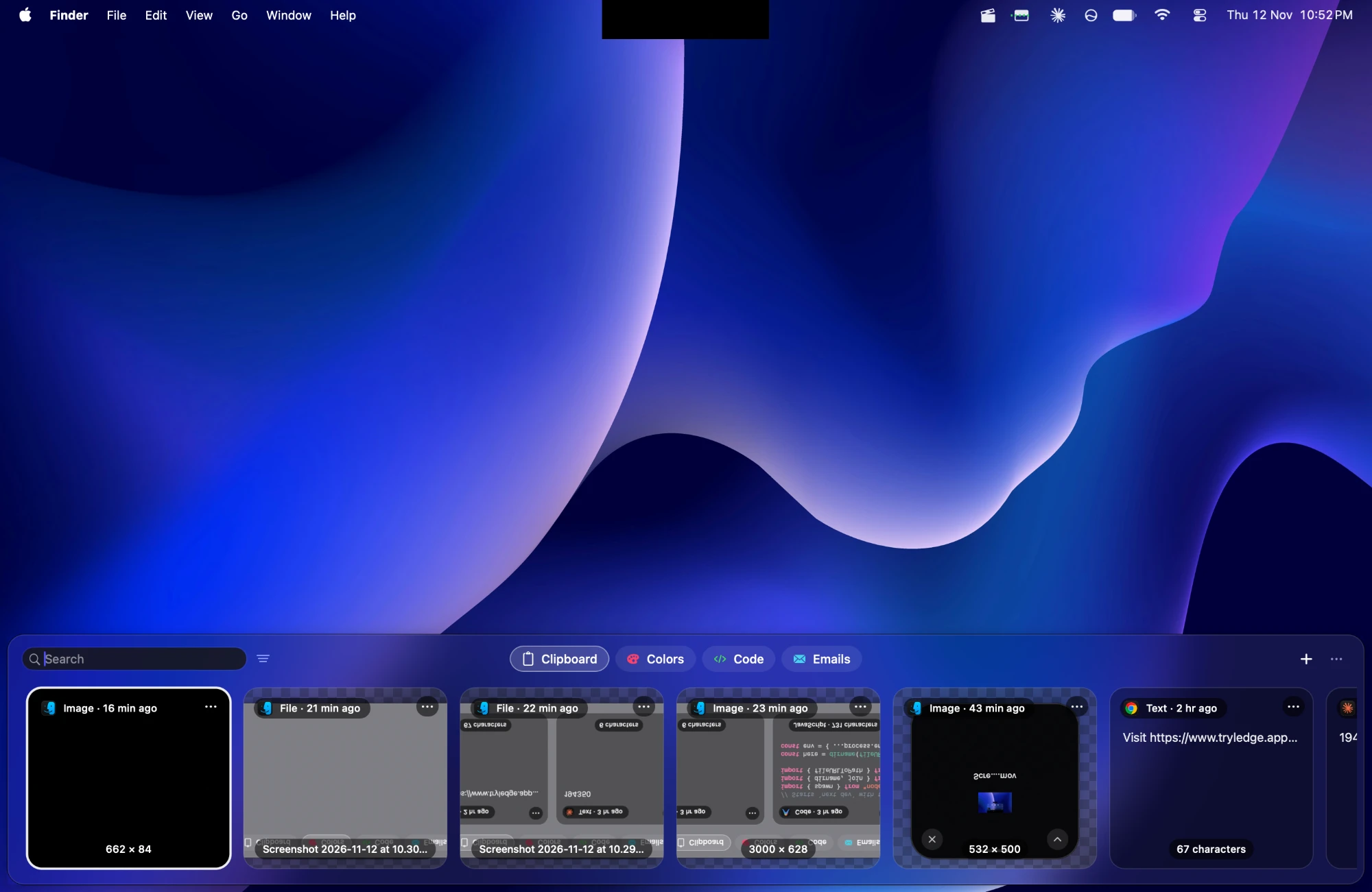
Text, links, images, colours, code and files are saved as you copy them. Open the clipboard and paste any of them into the app you're in.
Built into Ledge for macOS.
Find it fast
Type to search, or filter by type, by the app you copied from, or by a collection of your own.
Keep what matters
Pin an item to keep it at hand, and sort items into collections you make.
Private by default
Copies from password managers are skipped, and you can leave out whole apps or clean tracking from links.
See it in motion
More in Ledge
Every feature- The shelfDrag files to the top of the screen and they wait there until you drag them out where you need them. Pin the ones you want to keep.
- Smart previewsA colour copied as text shows as a swatch, and copied code shows in colour with its language named.
- Smart pinboardsTabs beside Clipboard that gather every colour, link, image, file, piece of code or email address on their own.
- Floating shelfA shelf that comes to the pointer instead, and tucks itself away a few seconds after you leave it.