Floating shelf
A shelf that comes to you
Shake a file while you drag it and a floating shelf comes to the pointer, wherever you are on the screen.
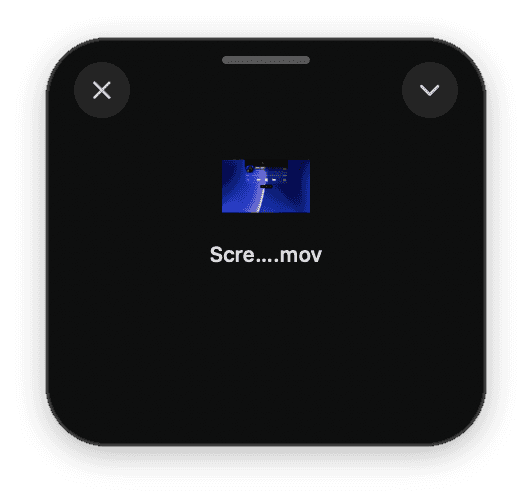
Built into Ledge for macOS.
Shake to open
How hard you have to shake is up to you. Shake again, or use its shortcut, to bring it back.
Tucks away
It slips out of the way a few seconds after the pointer leaves it.
As many as you need
Open more than one, and keep them in step with the notch's shelf if you like.
More in Ledge
Every feature- TransformDrop files on Transform, pick a tool and press the button: compress, convert and edit, all on this Mac, never uploaded.
- Lock screenThe song in Liquid Glass under the clock. Click its cover and the artwork fills the whole screen, with the controls, volume and lyrics a click away.
- Motion artworkWith Apple Music, a song's animated cover plays in the notch's player and the floating player, muted and looping.
- Floating playerThe song in a player you can drag anywhere on the desktop, in three sizes, in Liquid Glass.