Smart pinboards
Tabs that sort your copies for you
Pinboards beside Clipboard gather every colour, link, image, file, piece of code or email address on their own.
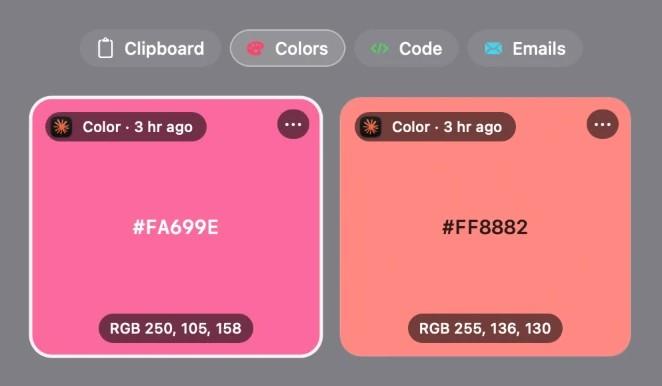
Built into Ledge for macOS.
Nothing to file
A copy lands in its pinboard the moment you copy it.
Six to choose from
Colors, Links, Images, Files, Code and Emails. Turn on only the ones you use.
Beside your own
They sit next to Clipboard and the collections you make yourself.
More in Ledge
Every feature- Floating shelfA shelf that comes to the pointer instead, and tucks itself away a few seconds after you leave it.
- TransformDrop files on Transform, pick a tool and press the button: compress, convert and edit, all on this Mac, never uploaded.
- Lock screenThe song in Liquid Glass under the clock. Click its cover and the artwork fills the whole screen, with the controls, volume and lyrics a click away.
- Motion artworkWith Apple Music, a song's animated cover plays in the notch's player and the floating player, muted and looping.