Transform
Change a file without opening an app
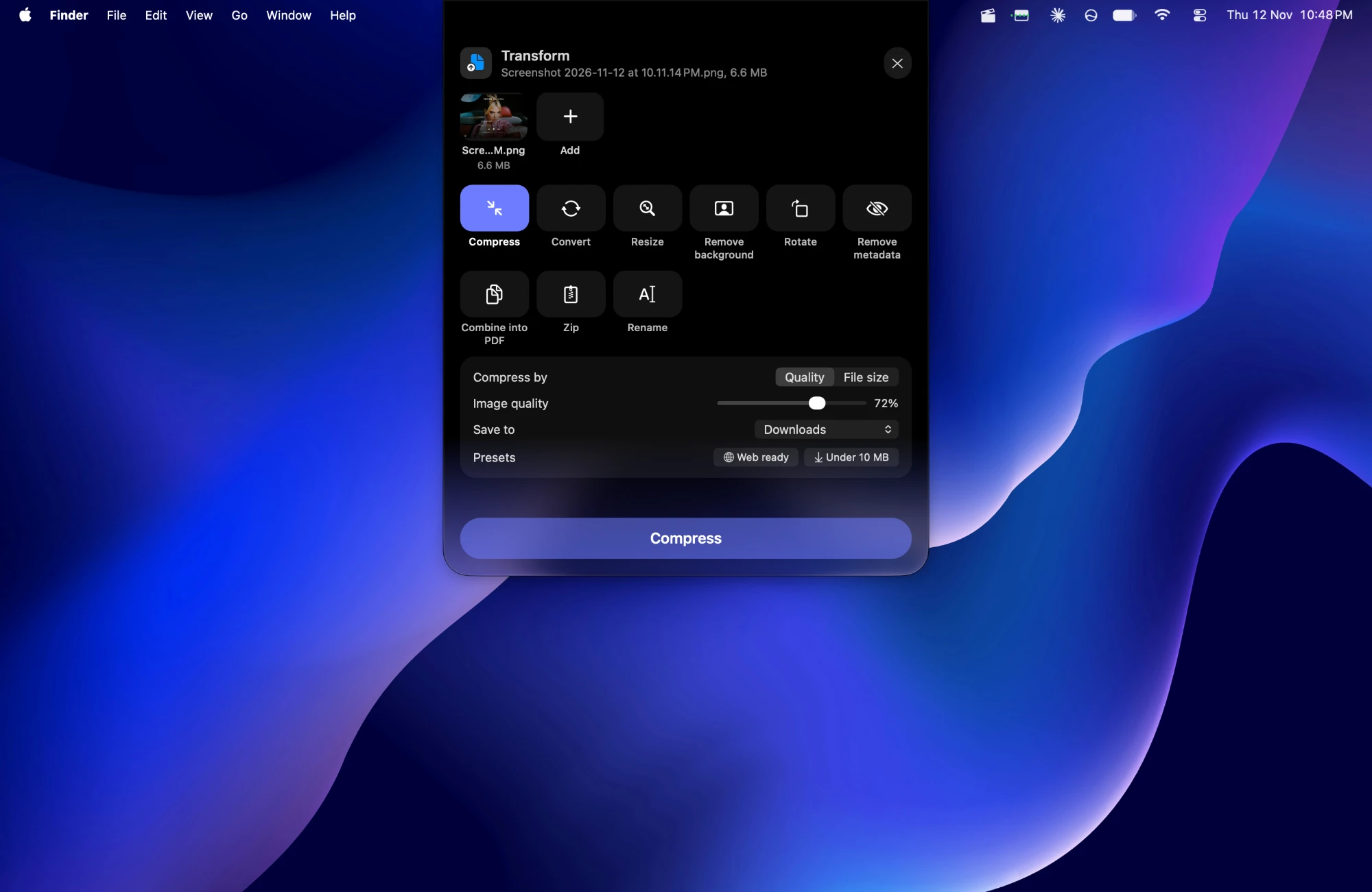
Drop files on Transform, pick a tool that fits them, and press the button. Every tool runs on this Mac; nothing is uploaded.
Built into Ledge for macOS.
Compress and convert
Shrink pictures, video, audio and PDFs, or turn them into the format you need.
Edit in place
Trim, rotate, remove a background or a video's sound, make a GIF, or combine files into a PDF.
Never overwrites
New files are named (Transformed). A compressed file that isn't smaller is thrown away.
More in Ledge
Every feature- Lock screenThe song in Liquid Glass under the clock. Click its cover and the artwork fills the whole screen, with the controls, volume and lyrics a click away.
- Motion artworkWith Apple Music, a song's animated cover plays in the notch's player and the floating player, muted and looping.
- Floating playerThe song in a player you can drag anywhere on the desktop, in three sizes, in Liquid Glass.
- Menu bar playerThe song in the menu bar too, with its own player a click away.