The notch
The notch, opened up
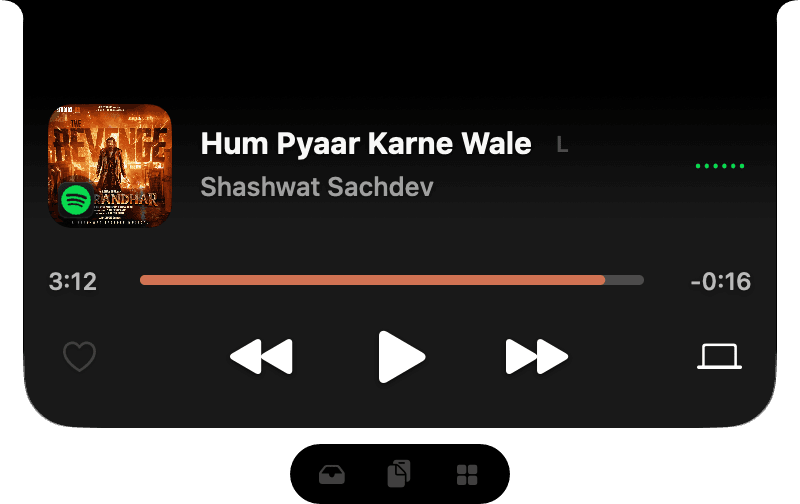
Rest the pointer on the notch and it opens onto your shelf, your music and your widgets. Move away and it tucks back in.
Built into Ledge for macOS.
Opens when you need it
Rest the pointer and it opens, or click it if you turn hover off. It closes a moment after you leave.
One pill, every page
The pill under the open notch moves between the shelf, the player and your widgets.
Steps aside
Right-click to hide it. It also steps aside for apps you choose and while an app fills the screen.
See it in motion
More in Ledge
Every feature- Now playingThe song in the notch, the cover on one side of the camera and its wave on the other. Open the full player for the progress, volume, lyrics and your speakers, or swipe to change songs.
- Live ActivitiesBattery, AirPods, downloads, Focus, Wi-Fi and more slide out beside the camera, then step aside. Turn on only the ones you want.
- Volume and brightnessThe macOS pop-ups, replaced: volume, brightness and keyboard brightness open beside the notch, or as a card below it.
- System StatsCPU, memory, battery and free disk space as rings in the open notch.