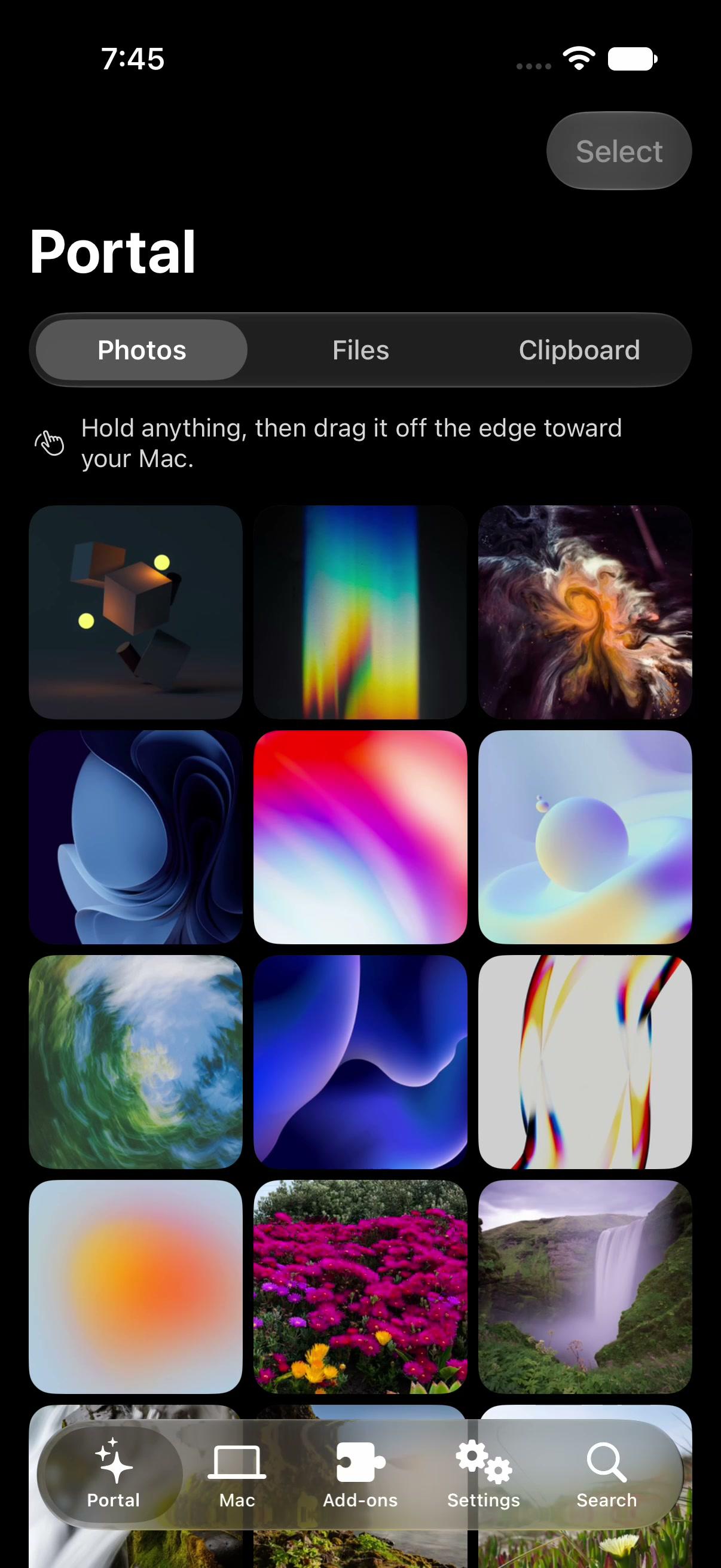
Portal. Throw photos and files off the phone's edge. They land in the notch.
Ledge for iPhone
Portal, your Mac's shelf, the song playing and your add-ons, in sync with your Mac.
Coming soon. Free with Ledge for Mac.
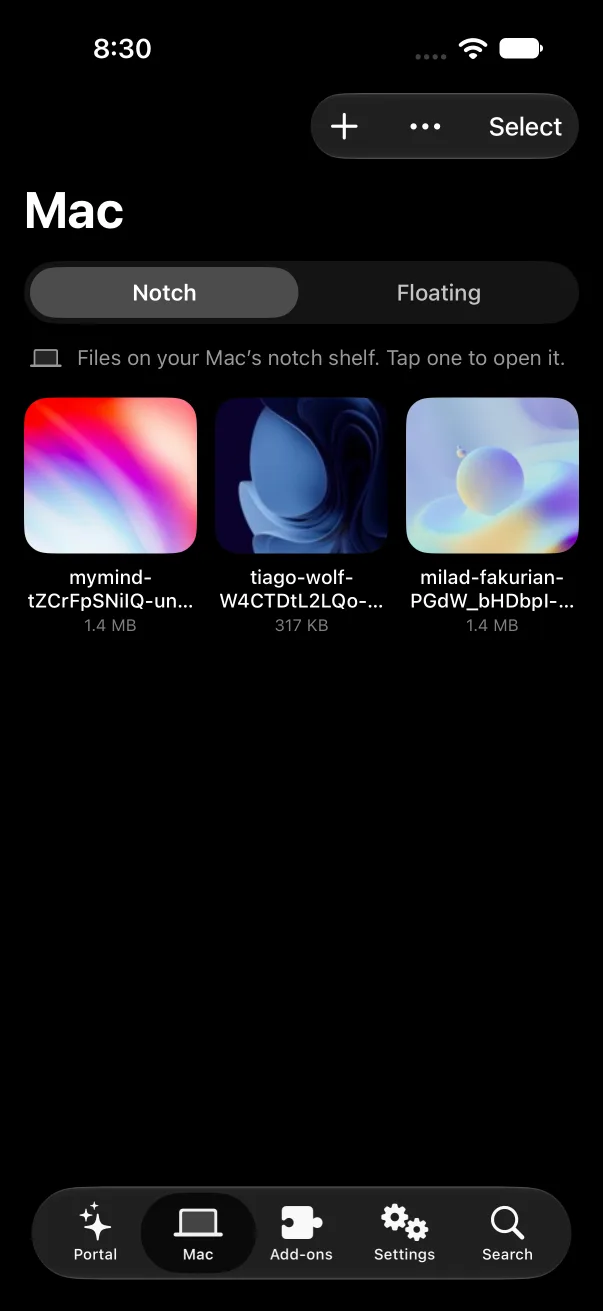
Mac. Your Mac's notch shelf and floating shelf, on the phone.
Portal. Throw photos and files off the phone's edge. They land in the notch.
Your Mac's shelf. What's waiting on the notch shelf and the floating shelf.
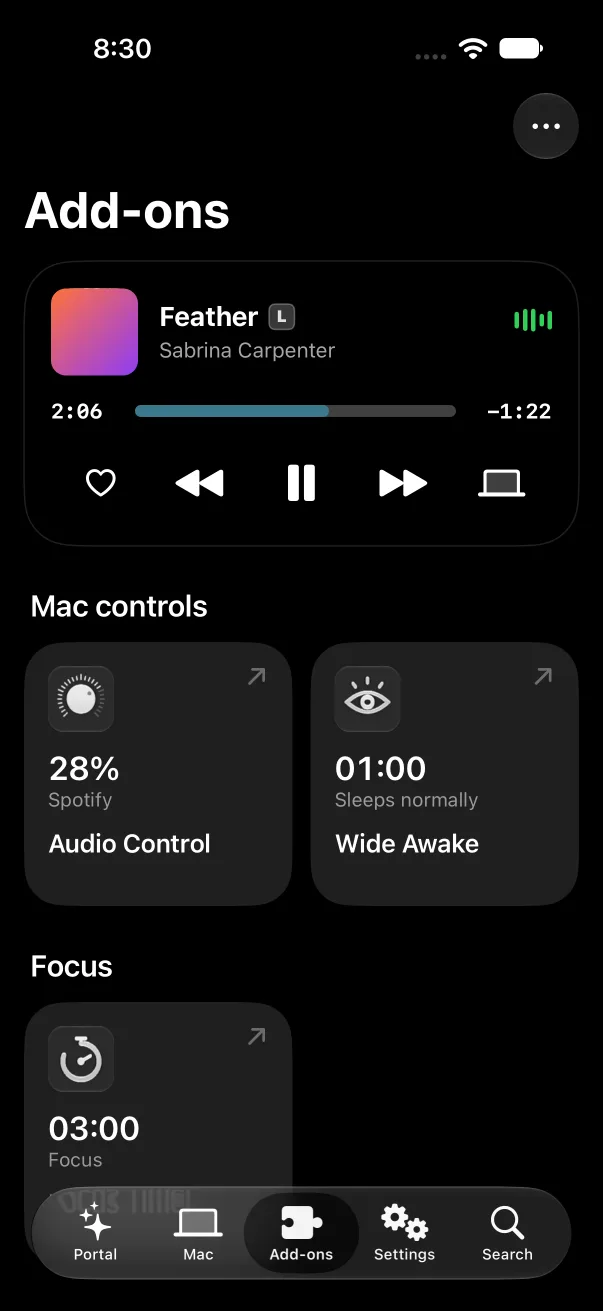
Add-ons. Every add-on from the Store, as a tile. They keep running on the Mac.
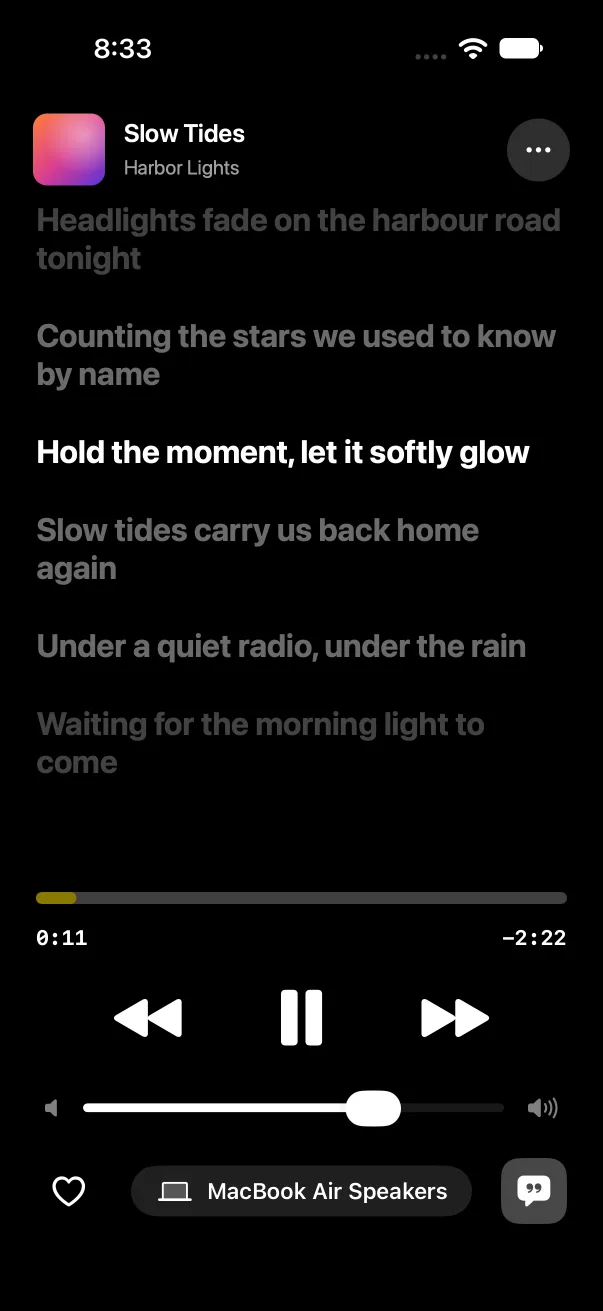
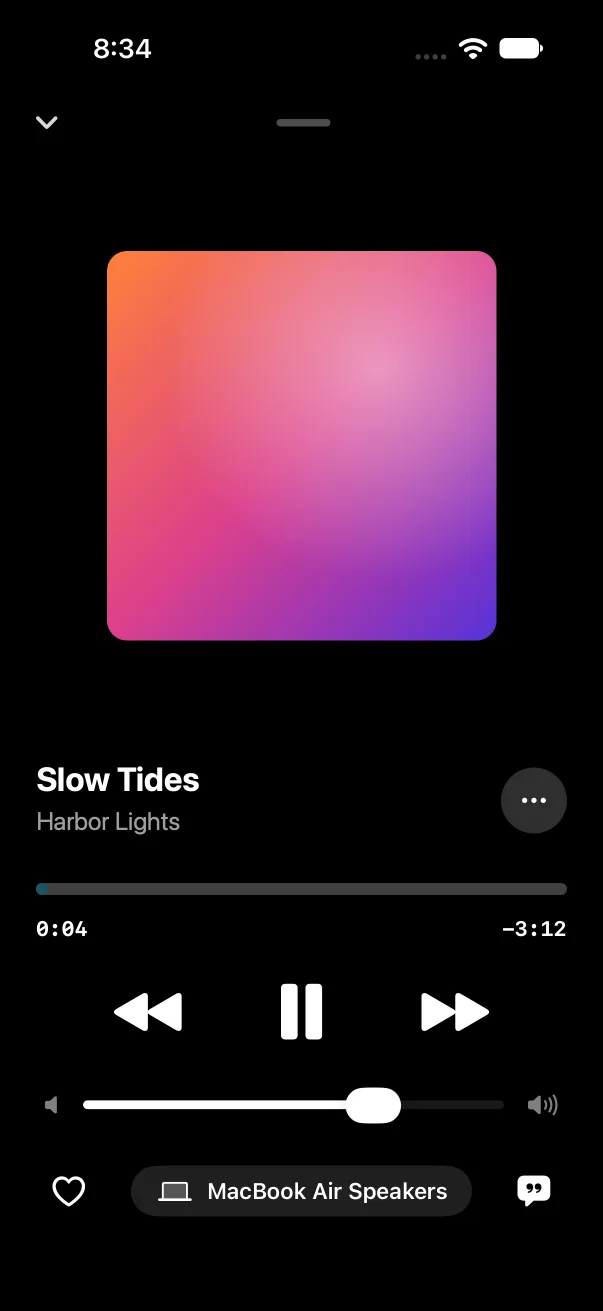
Now playing. Play, pause and skip, the volume and the speakers, from the couch.
Pairing
Paired, not signed in. The pairing key is the only thing that lets a phone in.
Encrypted. Every connection is encrypted with the key you paired with, and nothing goes through a server.
Live Activities. What's beside the notch, on the Lock Screen and in the Dynamic Island.
Answer from your phone. When a coding agent asks before it runs something, Allow or Deny from the notification.
Arrive your way. Pick Portal's animation, the edge things come in at, and whether they go to a shelf, Downloads or the clipboard.
Your own Wi-Fi. The phone finds the Mac with Bonjour and talks to it directly.
Unlock with Face ID. One switch locks your Mac, and unlocks it after Face ID. Your password stays on the Mac.
The Mac's controls. Its brightness, Sleep Mac, Sleep Display and Mute, without getting up.
Yes. Ledge for iPhone works with Ledge on your Mac: it shows and controls that Mac, and sends files to it.
Nothing. It comes free with Ledge for Mac.
No. The phone talks to your Mac over your own network, encrypted with the key you paired with. Nothing goes through a server, and there's no account.
Any iPhone with iOS 26 or later.
It's off until you turn it on in the Mac's Settings → Portal. Your login password stays in the Mac's Keychain and is only typed into the lock screen, the phone asks for Face ID every time, and only an iPhone paired by QR code can use it.
On the Mac, open Settings → General, click iPhone at the top right, and choose Unpair next to it.
Coming soon. Free with Ledge for Mac. iOS 26 or later.