
Productivity · An add-on for Ledge
Calculator
Basic and scientific math in the notch
Version 0.2.0 · By Sumit Kumar
See Calculator in Ledge
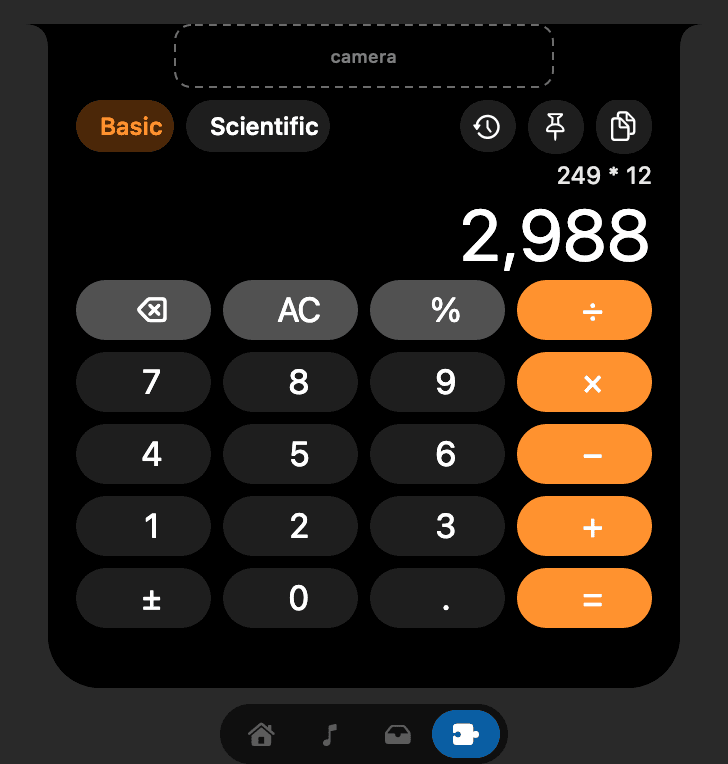
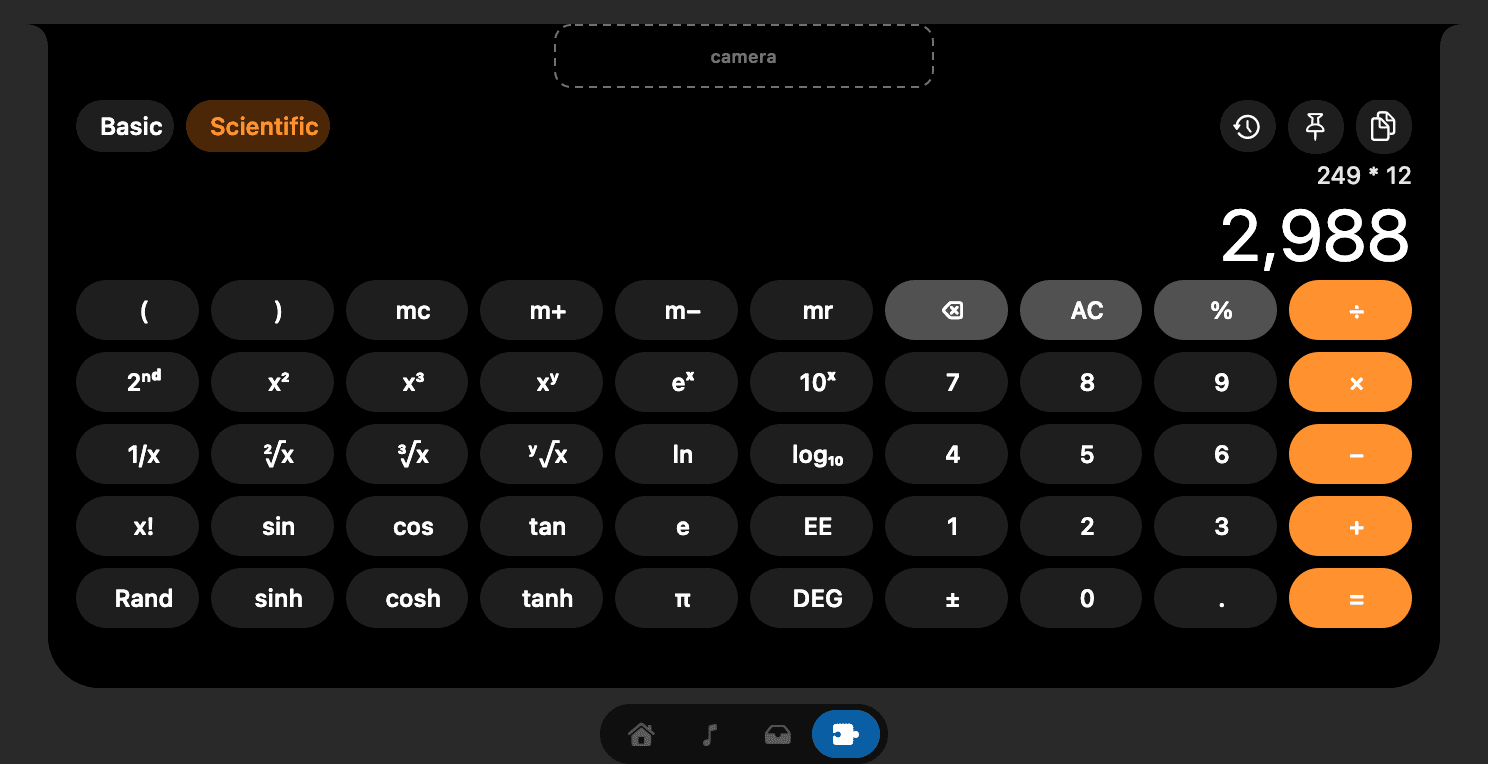
What Calculator does
Calculate in the notch with orange operator keys, a large result display and a full 10 × 5 scientific keypad. Type directly above the result and press Return, switch degrees and radians, use memory and inverse functions, pin the calculator open, or restore one of the last 50 calculations. Click the result to copy its full precision. Includes a compact result widget and an opening shortcut. Calculations stay on this Mac. Uses double-precision numbers, not arbitrary precision or currency conversion.
- Version
- 0.2.0
- Category
- Productivity
- Developer
- Sumit Kumar
- Availability
- Free · LedgeKit API 0.23.0 · macOS 14 or later
Install Calculator
- Download Ledge and open it on your Mac.
- Open Settings → Add-on Store and search for Calculator.
- Choose Install, then review and approve the permissions it requests.


