
Productivity · An add-on for Ledge
Developer Tools
Local developer utilities in the notch
Version 0.1.0 · By Sumit Kumar
See Developer Tools in Ledge
What Developer Tools does
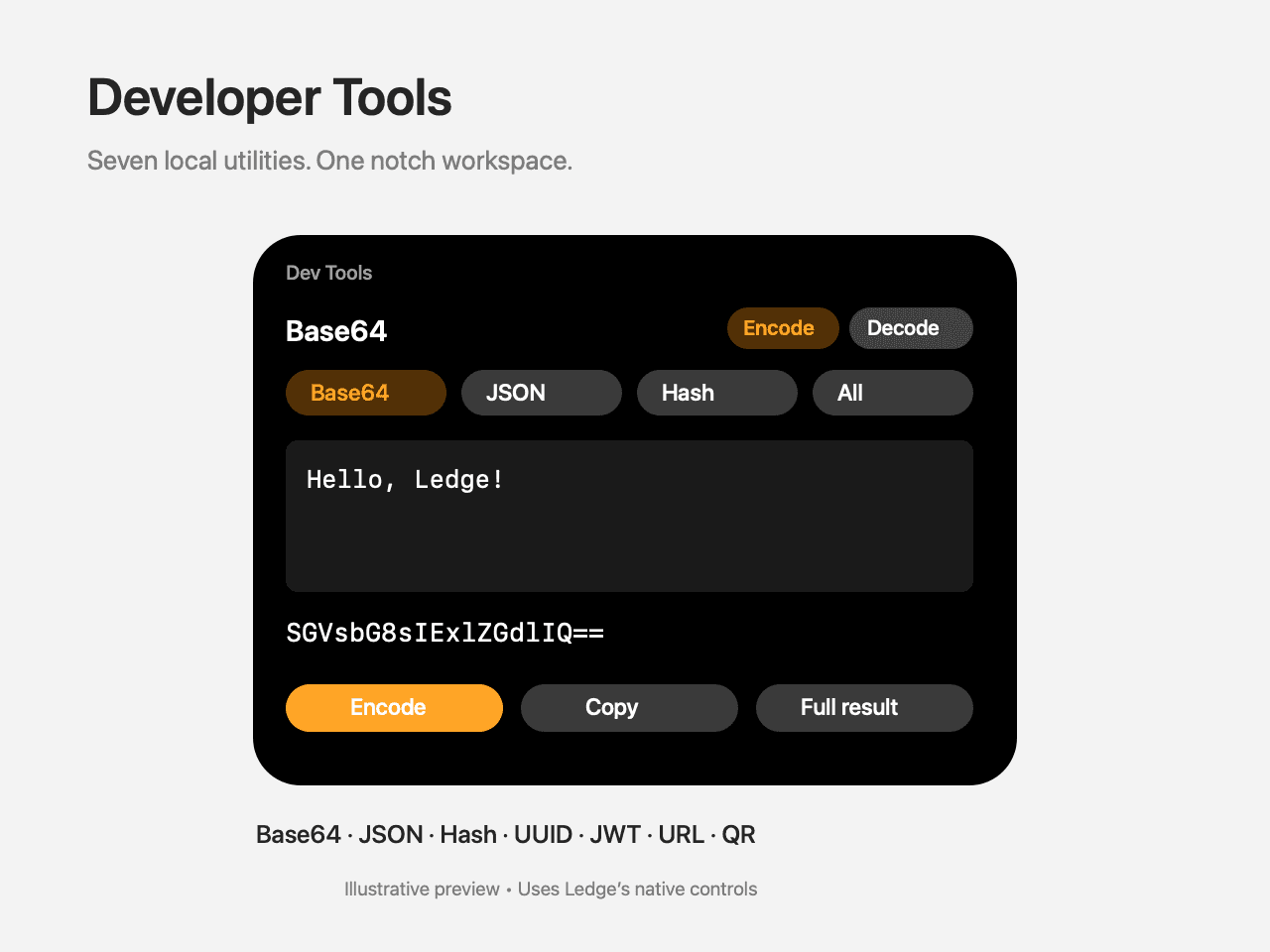
Seven local utilities in one notch workspace: Base64, JSON, hashes, UUID v4, JWT decoding, URL component encoding and QR codes. Switch modes, copy results or open the full output. QR codes export to the shelf as PNGs. No Devly installation, account or network access required. Input is held in memory only. JWT signatures are not verified; MD5 and SHA-1 are legacy checksums. Requires beta 12 for the editor button fix.
- Version
- 0.1.0
- Category
- Productivity
- Developer
- Sumit Kumar
- Availability
- Free · Ledge beta 12 or later · macOS 14 or later
Install Developer Tools
- Download Ledge and open it on your Mac.
- Open Settings → Add-on Store and search for Developer Tools.
- Choose Install, then review and approve the permissions it requests.


