
Productivity · An add-on for Ledge
LocalSend
Send files to devices nearby
Version 0.1.1 · By Sumit
See LocalSend in Ledge
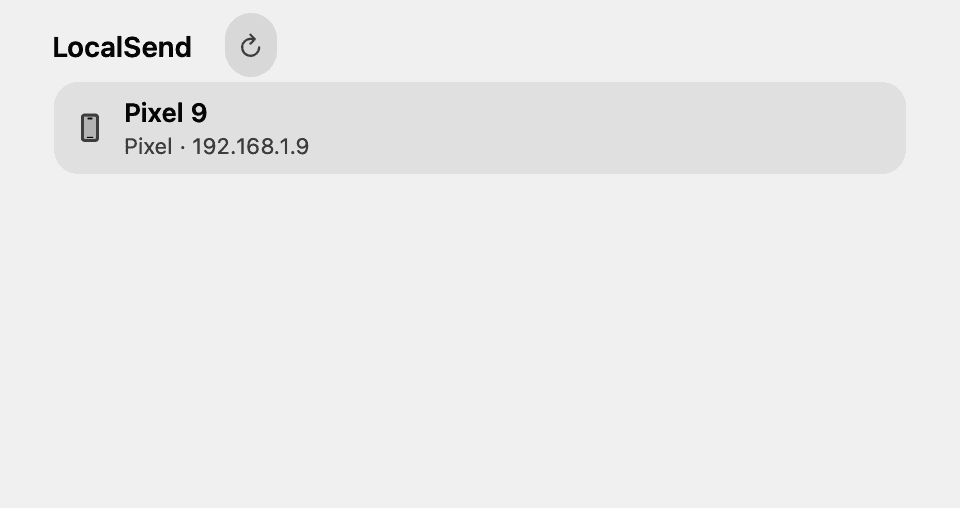
What LocalSend does
LocalSend sends files between your Mac and phones or computers nearby that run the LocalSend app, over your own network with no cloud in between. Devices nearby show on the add-on's page in the notch: drop files or folders on one, or choose Send with LocalSend on a shelf item. When a device sends to you, the notch asks first, then the files land in Downloads and on your shelf. Transfers are encrypted with HTTPS and each device's certificate is pinned, and an optional PIN keeps strangers from asking. It can't yet send to a device that requires a PIN, or reach devices with encryption turned off. Not made by the LocalSend project. The screenshot shows a sample device.
- Version
- 0.1.1
- Category
- Productivity
- Developer
- Sumit
- Availability
- Free · needs a Ledge with LedgeKit 0.20 · macOS 14 or later
Install LocalSend
- Download Ledge and open it on your Mac.
- Open Settings → Add-on Store and search for LocalSend.
- Choose Install, then review and approve the permissions it requests.


