
System · An add-on for Ledge
Notifications
Mirror visible notification banners in your notch
Version 0.3.1 · By Ledge
See Notifications in Ledge
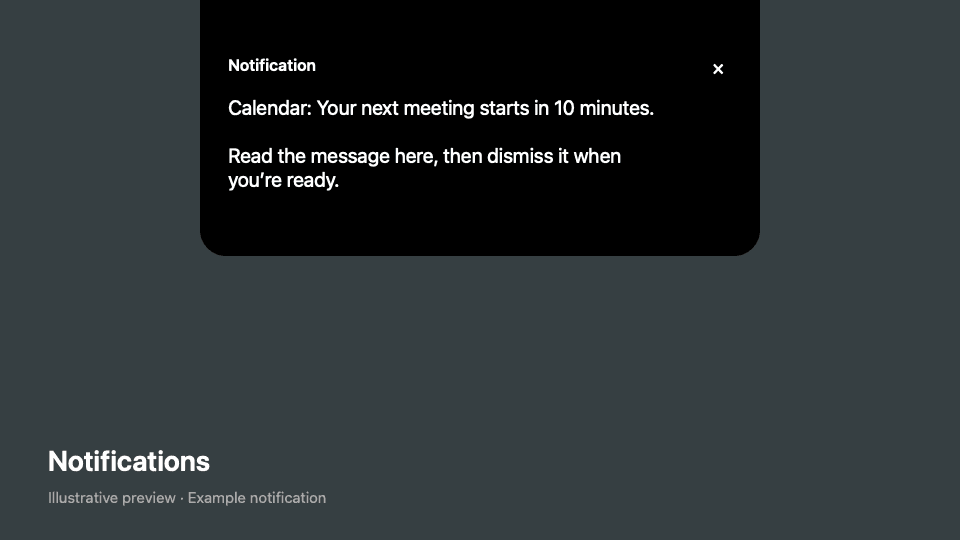
What Notifications does
Mirror visible macOS notification banners in an expanded notch card. Messages wrap and long text scrolls. Dismiss the card or click away when finished. Turn the add-on on and allow Accessibility on its settings page; message text is off until you turn it on. Keep native macOS banners enabled. Text stays on this Mac. This experimental adapter does not read notification history, recover hidden previews, suppress native banners, or support inline replies. Requires the updated Ledge host with notification-banners support; older hosts cannot install this package. Store media are illustrative examples, not captures of private notifications.
- Version
- 0.3.1
- Category
- System
- Developer
- Ledge
- Availability
- Free developer preview · requires Notifications-enabled Ledge
Install Notifications
- Download Ledge and open it on your Mac.
- Open Settings → Add-on Store and search for Notifications.
- Choose Install, then review and approve the permissions it requests.


