
Productivity · An add-on for Ledge
Wide Awake
Keep your Mac awake from the notch
Version 0.2.0 · By Sumit
See Wide Awake in Ledge
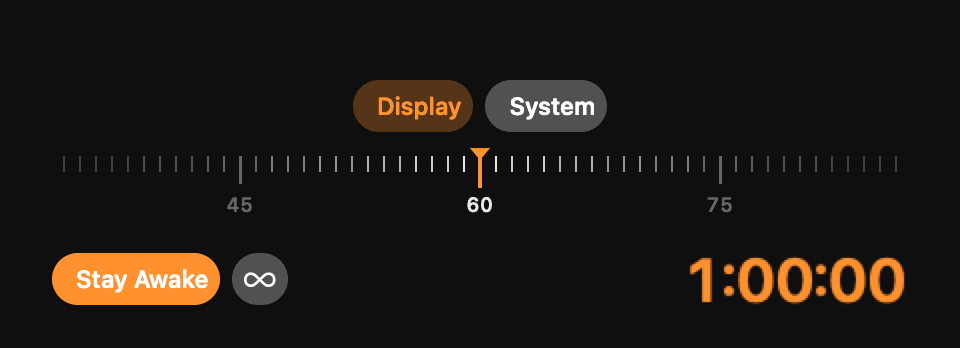
What Wide Awake does
Wide Awake keeps your Mac from sleeping, from the notch. Choose Display to keep the screen and the Mac awake, or System to let the screen turn off while the Mac keeps working, then drag the minute tape to any length up to a day, or keep it awake until you stop it. The time left sits in large digits on the page, beside the notch with a progress ring, on the lock screen and on a Home widget that's also a tile on your iPhone, and turns yellow then red as it runs out. Turn on Automatic and it stays awake by itself while your Mac is plugged in, while another display is connected, while a file downloads, while printing, while a coding agent like Claude Code runs, or while apps you choose are open. AI apps can start, stop and check it. It uses macOS's own power assertions, which end the moment Wide Awake does. Everything stays on your Mac.
- Version
- 0.2.0
- Category
- Productivity
- Developer
- Sumit
- Availability
- Free · needs a Ledge with LedgeKit 0.26 · macOS 14 or later
Install Wide Awake
- Download Ledge and open it on your Mac.
- Open Settings → Add-on Store and search for Wide Awake.
- Choose Install, then review and approve the permissions it requests.


